What is Gaming Hub?
Please Note: The information on this page is for Australian products only. Models, sequences, error codes or settings will vary depending on location and/or where the product had been purchased. To be redirected to your local support page please click here.
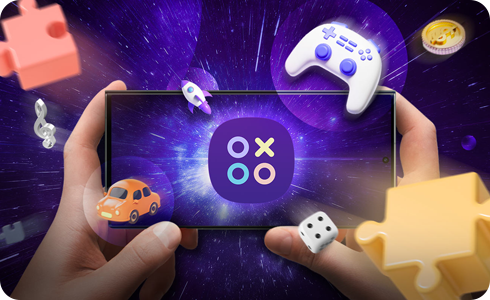
Gaming Hub is the all-in-one platform to curate the games you already love, discover new favorites, explore what’s trending and receive special benefits.
Gaming Hub automatically showcases your mobile game downloads, so you can keep all your games together and organized in one place. Gaming Hub also provides data such as the user’s game play time, installed/deleted game history, game notifications and Galaxy gamers that will allow you to always stay updated in the gaming world.
Gaming Hub also links with Game Booster, giving options to enhance the gaming experience, like activating silent mode or adjusting the game performance.


Game Booster
Game Booster provides ways to optimise your gaming experience, by providing easy access to performance options and customisations.
Click Here to learn more.


For further assistance, please contact our Chat Support . To find your Samsung product's User Manual, head to Manuals & Downloads.

Thank you for your feedback!
Please answer all questions.
Contact Info
Contact us
WhatsApp
![]()
![]()

