SmartThings App Features for a Samsung Washer
 Please Note: The information on this page is for Australian products only. Models, sequences, error codes or settings will vary depending on location and/or where the product had been purchased. To be redirected to your local support page please click here.
When your Samsung washing machine is Connected to the SmartThings App, you are able to monitor and control your washing machine both at home and on the go. This includes setting up a laundry planner and creating a laundry recipe.
You are also able to check the operation status or notifications related to your washing machine and change options and settings if necessary.
Below is a quick guide for the settings and features you can edit/use for your Washing Machine through the SmartThings App.
NOTE:
- The SmartThings App is available on Android and iOS devices. A Wi-Fi connection and a Samsung account are required. Data fees may apply.
- For a list of SmartThings enabled washing machines, and to check if yours is compatible with the service, please check your machine's model on our Compatible Devices page.
Washing Machine Settings on SmartThings
General Settings
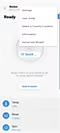

Tap the 3 vertical dots on the top right corner to view general settings you can edit.
In this menu you can access the User Guide, Country/Language, Washer Information, and HomeCare Wizard*.
Temperature
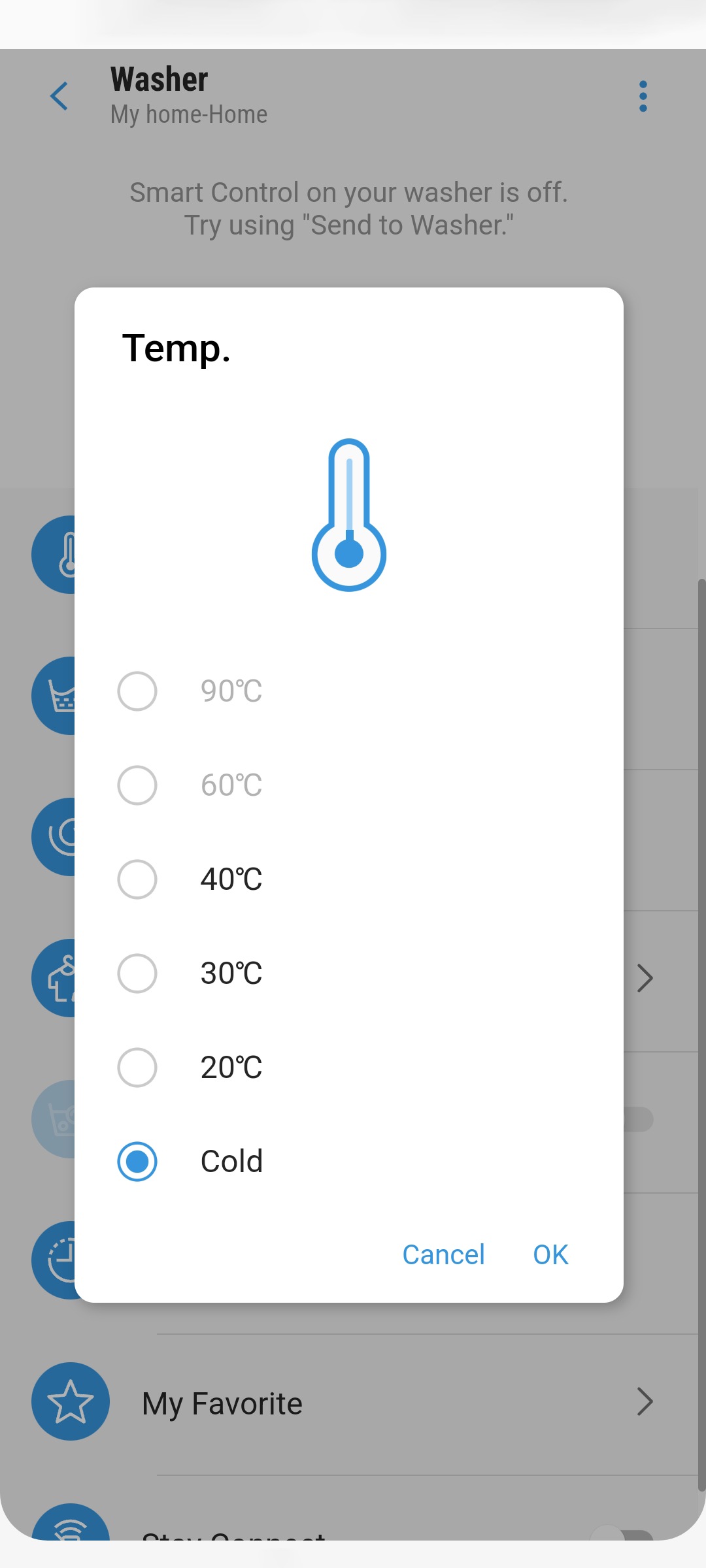
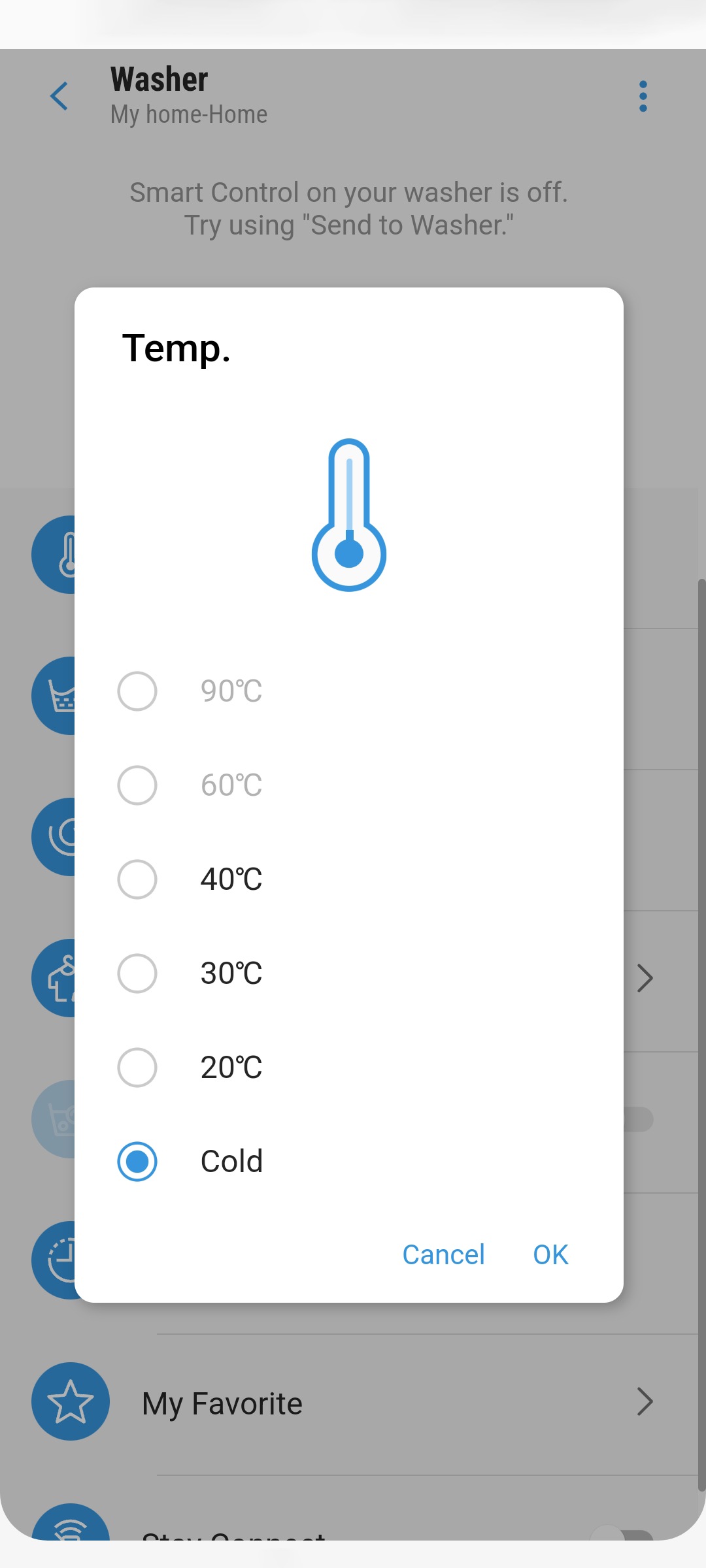
Select the desired temperature for your wash cycle.
Rinse


Select the desired rinse times for your wash cycle.
Spin


Select the desired spin speed for your wash cycle.
Note:
- Screens may vary based on device and software version.
*HomeCare Wizard provides a regular report with an analysis of the machine operation state in a user set frequency (every week/month). You can use this regular report to check your usage pattern, maintenance requirements and energy consumption (indicative results only) for the set period of time
My Cycles & Favourites


My Cycles


Scroll through to see the available cycles for your washing machine.
Stay Connect
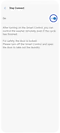

Turn on 'Stay Connect' if you'd like to control your washing machine remotely through the SmartThings App.
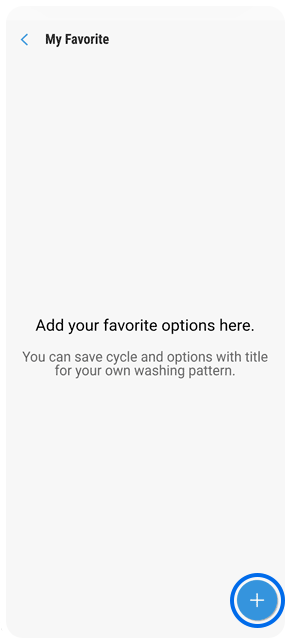
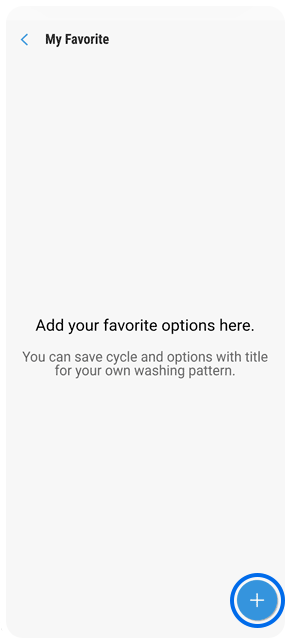
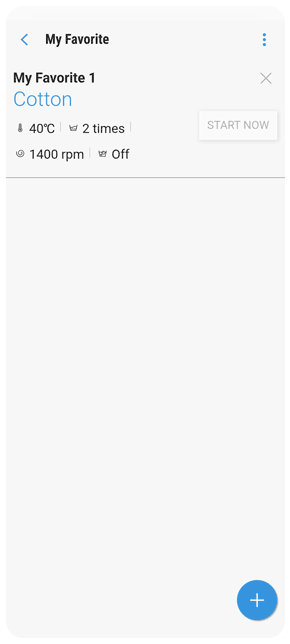
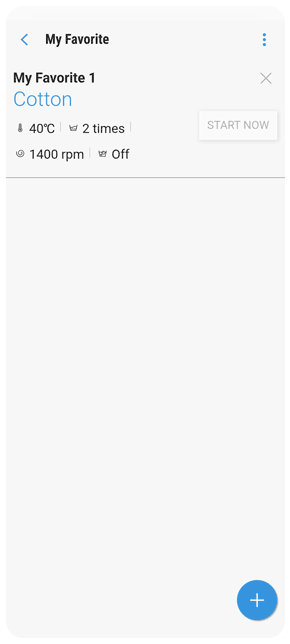
My Favourites
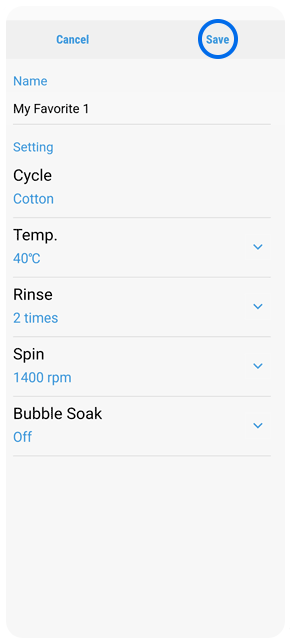
Tap '+' at the bottom right to add cycles to your favourites list.
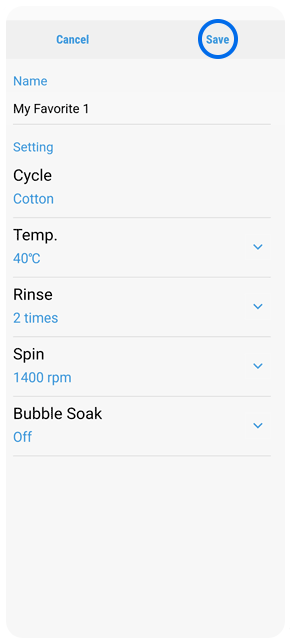
Confirm the details of the cycle you'd like to add, then press 'Save'. It will then be added to your Favourite cycles.
For further assistance, please contact our Chat Support. To find your Samsung product's User Manual, head to Manuals & Downloads.

Thank you for your feedback!
Please answer all questions.
Contact Info
Contact us
WhatsApp
![]()
![]()

