How to use Front camera settings in Samsung Galaxy On7(SM-G600FY)?
Also called as Selfie camera in a mobile device, a Front-facing camera is required to make video calls, taking selfie and much more.
Navigate to Camera → Switch camera → Settings → Adjust Picture size → Adjust video size
Pictorial representation of the above settings are as follows:
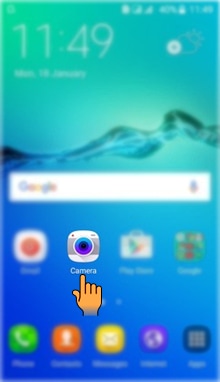
a). Tap on Camera icon from the Home screen.
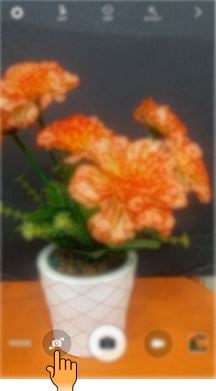
b). Tap on Camera switch icon as shown below.
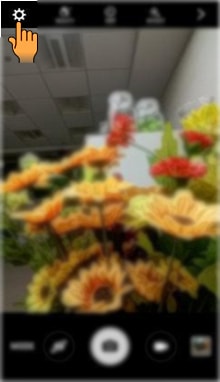
c). Tap on Settings icon.
d). Tap on Picture size to set the size of the picture.
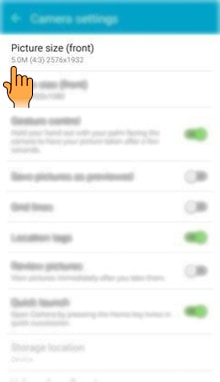
e). Select the Picture size which you want to set.
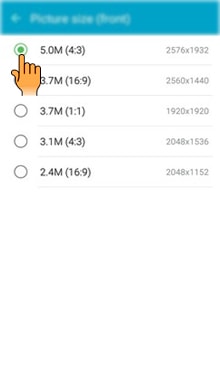
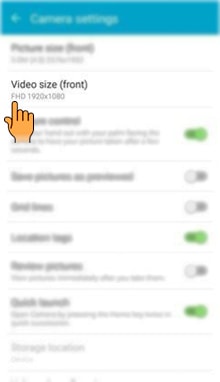
f). Tap on Video size to set the size of the video.
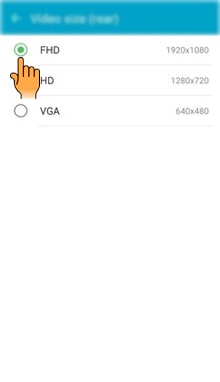
g). Select the Video size as FHD, HD or VGA.
CLICK HERE to know how to use main Camera settings in Samsung Galaxy On7 ( SM-G600FY).
Thank you for your feedback!
Please answer all questions.
Contact Info
Digital Service Center
![DSC icon image]()
![DSC icon image]()



Scan to access
WhatsApp
![WhatsApp image icon]()
![WhatsApp image icon]()


Available 24 Hours / 7 days
WhatsApp@ 1-800-5-726-7864

Scan to access
Chat
![Samsung India Support WebChat icon]()
![Samsung India Support WebChat icon]()


Languages offered: English/ हिन्दी/ Indian Regional Languages


Remote Service
![Image of RM icon]()
![Image of RM icon]()


CEO Office
![Image of CEO icon]()
![Image of CEO icon]()


Phone Support (India)
![image of phone dialer]()
![image of phone dialer]()


Phone Support (Bangladesh, Sri Lanka, Nepal)
![Image of caller icon]()
![Image of caller icon]()
RC01_Static Content : This text is only displayed on the editor page