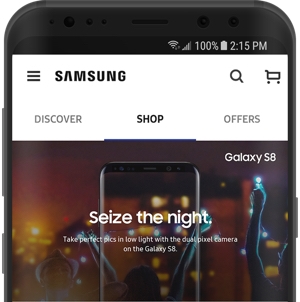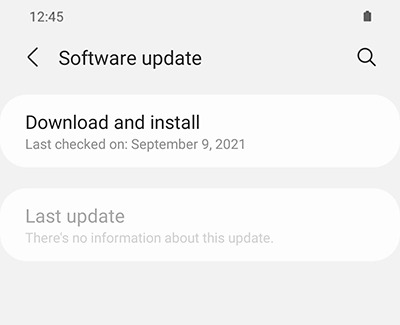
Pink lines or dead pixels on Galaxy phone or tablet's display
If there are pink lines or small dots on your screen, they could be stuck or dead pixels. Having a couple dead pixels is not unusual, and individual pixels are typically unnoticeable.
Pink lines or dead pixels on Galaxy phone or tablet's display
Recommended Articles
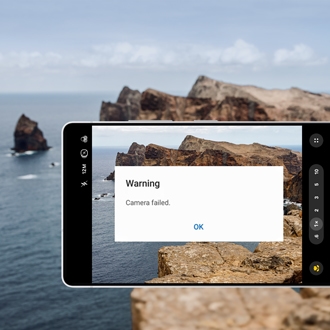
Issues with Camera app on Samsung phone or tablet
If your phone is displaying a "Camera Failed" message, freezing, lagging, or the preview is not working, the good news is that it's most likely a software issue and not a physical problem with the camera.
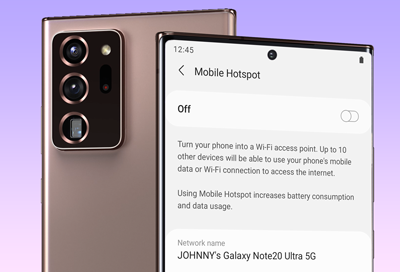
Mobile hotspot issues with a Samsung phone
If you're experiencing issues with your phone's Mobile Hotspot feature, it might be due to a problem with your mobile carrier or data connection. To resolve the issue, you can try rebooting your phone, updating the software, or performing a factory reset.
No sound from Bluetooth headphones on Galaxy phone or tablet
If your Bluetooth headphones are not producing sound while connected to your Galaxy phone or tablet, the volume level may be set too low, or there's something wrong with your wireless headphones. Whatever the case, don't fret! Out troubleshooting guide will walk you through identifying potential problems so you can quickly resolve them.Â
We're here for you
Contact Samsung Support
Contact us online through chat and get support from an expert on your computer, mobile device, or tablet. Support is also available on your mobile device through the Samsung Members App.