Galaxy phone or tablet Smart View or Screen Mirror issues
Smart View can be used with Galaxy phones and tablets running Android 4.3 or above and with devices that support Miracast wireless display technology. This technology is built into most newer Samsung smart TVs. However, your phone or tablet must be connected to the same network as your TV in order to use this function. If Smart View is not working, restarting or rebooting your device will usually solve the issue. Keep in mind that DRM-protected contents cannot be mirrored.
Galaxy phone or tablet Smart View or Screen Mirror issues
Recommended Articles
Microphone issues with Galaxy phone or tablet
There are a few things that can cause issues with the microphone on your phone or tablet. For example, an external device such as headphones may be preventing the microphone from working. Other times, you may hear a crackling noise, or sounds may be unclear in your recordings if the microphone is having problems.
No sound from Bluetooth headphones on Galaxy phone or tablet
If your Bluetooth headphones are not producing sound while connected to your Galaxy phone or tablet, the volume level may be set too low, or there's something wrong with your wireless headphones. Whatever the case, don't fret! Out troubleshooting guide will walk you through identifying potential problems so you can quickly resolve them.Â
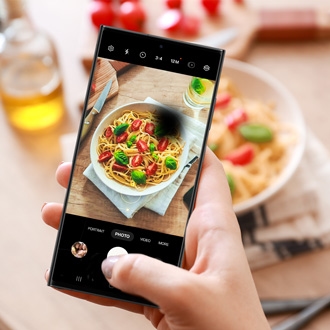
Dark or colored spots in photos on Samsung phone or tablet
If the photos you took on your Galaxy phone are marred by random dark, black, pink, or other colored spots, there may be a problem with the Camera app. This is most often caused by a software issue rather than a fault with the actual screen or camera.
We're here for you
Contact Samsung Support
Contact us online through chat and get support from an expert on your computer, mobile device, or tablet. Support is also available on your mobile device through the Samsung Members App.